
 Image 1 of 1
THE EXPEDITION
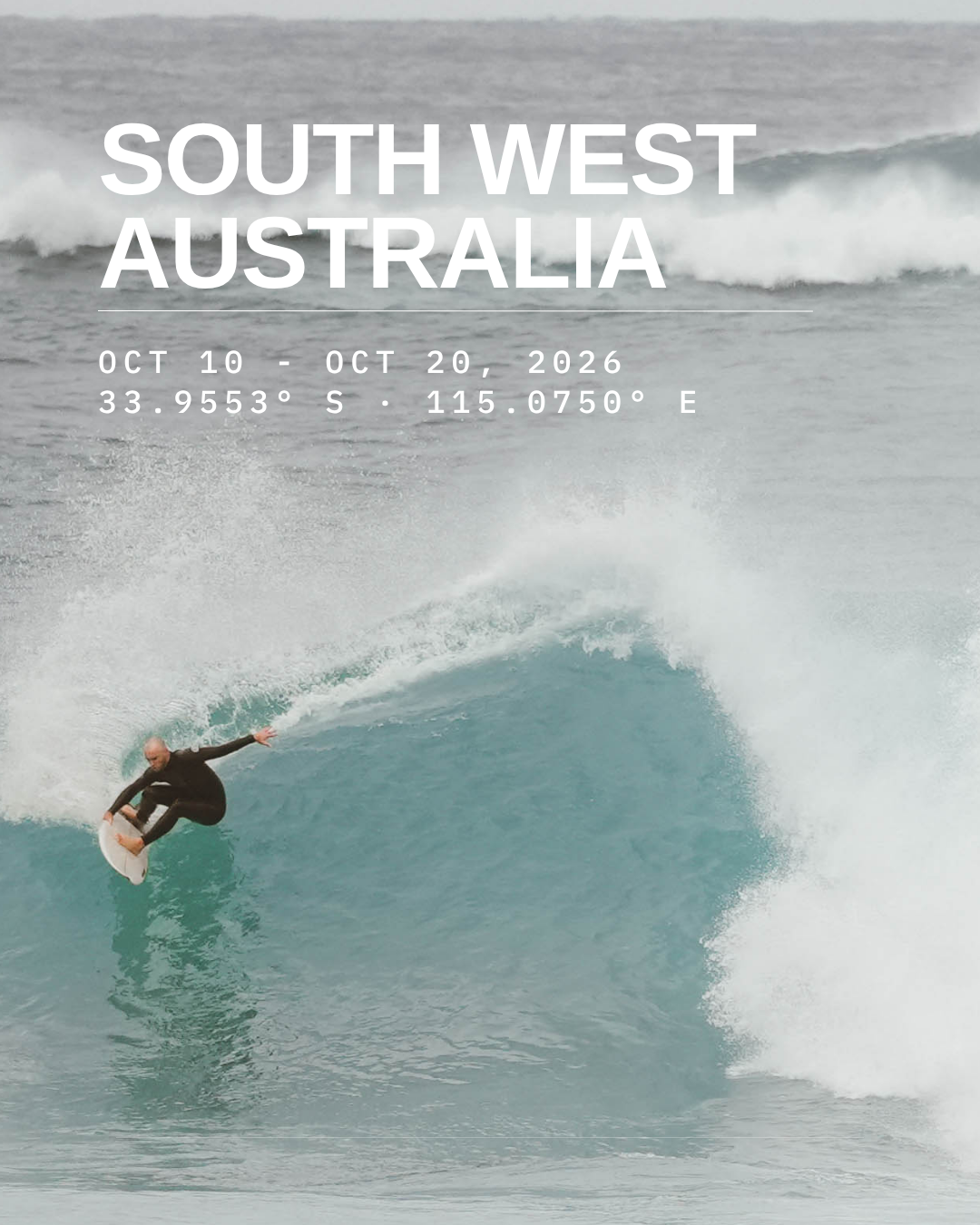
A ten-day escape to the wave-rich coastlines of South Western Australia.
ROOM TYPES & PRICING
Dorm (shared) — £1,824 per person
Twin (shared) — £2,024 per person |
Double* — £2,024 per person | £4,048 per room
Double with ensuite* — £2,224 per person | £4,448 per room
*Double and double with ensuite room are sold to two people sharing. Both people must be added to the same booking. If you are travelling alone, choose dorm or twin.
HOW TO BOOK
Add a room for the lead customer (you) → select your room type, if paying deposit or in full, then click the "Add to Cart" button.
Add customer details → Enter your name and email. If you are in a double or double + ensuite, enter your own details 1st then the details for who you are sharing with.
Booking for a group? → Repeat steps 1 and 2 for everyone in your group, selecting the right room type for each person(s).
Review Cart → Click the shopping cart icon in the bottom right corner of your screen. Review your basket. If correct, click "Checkout".
Checkout → Complete payment. If paying in a deposit only, you must create a customer account at checkout. This is so you can view instalment payment deadlines and update payment info.
THE EXPEDITION
A ten-day escape to the wave-rich coastlines of South Western Australia.
ROOM TYPES & PRICING
Dorm (shared) — £1,824 per person
Twin (shared) — £2,024 per person |
Double* — £2,024 per person | £4,048 per room
Double with ensuite* — £2,224 per person | £4,448 per room
*Double and double with ensuite room are sold to two people sharing. Both people must be added to the same booking. If you are travelling alone, choose dorm or twin.
HOW TO BOOK
Add a room for the lead customer (you) → select your room type, if paying deposit or in full, then click the "Add to Cart" button.
Add customer details → Enter your name and email. If you are in a double or double + ensuite, enter your own details 1st then the details for who you are sharing with.
Booking for a group? → Repeat steps 1 and 2 for everyone in your group, selecting the right room type for each person(s).
Review Cart → Click the shopping cart icon in the bottom right corner of your screen. Review your basket. If correct, click "Checkout".
Checkout → Complete payment. If paying in a deposit only, you must create a customer account at checkout. This is so you can view instalment payment deadlines and update payment info.